

Editing and publishing
Blazing gives editors the freedom to build pages, without being able to break the house style or the technology.
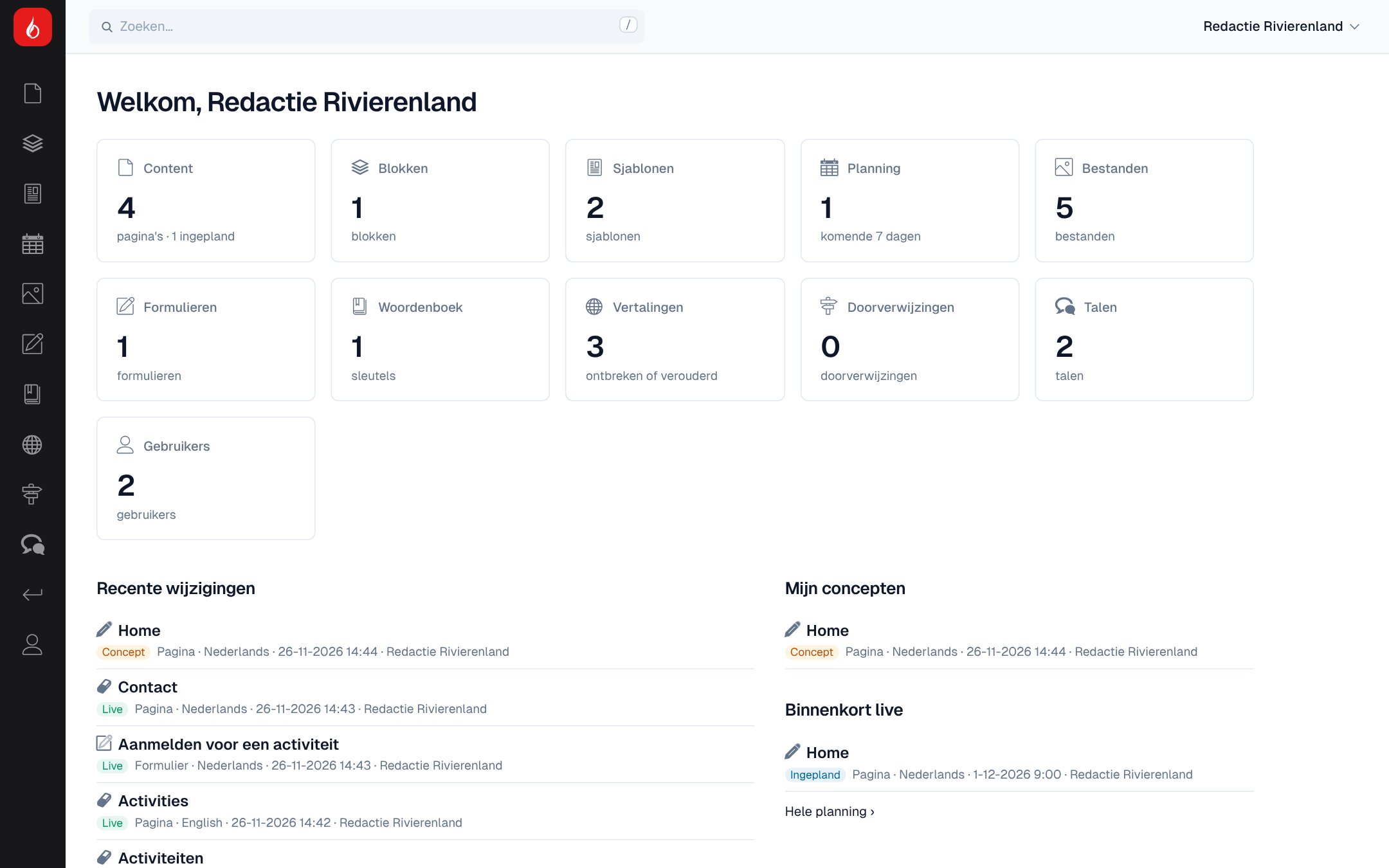
How it works
Three steps, and the page is online the way it should be.
Choose from the blocks made for your site. Every block fits the house style.
Clear fields for headings, text, images and links. The Check panel warns about an image without alternative text and about links that no longer work.
The live preview shows the page on a phone, tablet or computer. Publish right away, or schedule it.
Publishing
| What you want | What Blazing does |
|---|---|
| Live now | Publish: the draft goes live right away. |
| Live at a set time | Schedule: live to the minute, optionally until an end date. Until then, what is live stays live. |
| Offline later | An end date on the live version. |
| Take a page down | Take it offline, optionally with the previous version live again. |
| Back to an earlier version | Restore an old version as a new draft. |
| Check before it goes live | A preview of exactly that version, through a secure link that is valid for ten minutes. |
The Planning screen shows everything that will go live or offline later, for pages, blocks, templates and forms, in every language. You choose the moment in your own time zone.
Languages
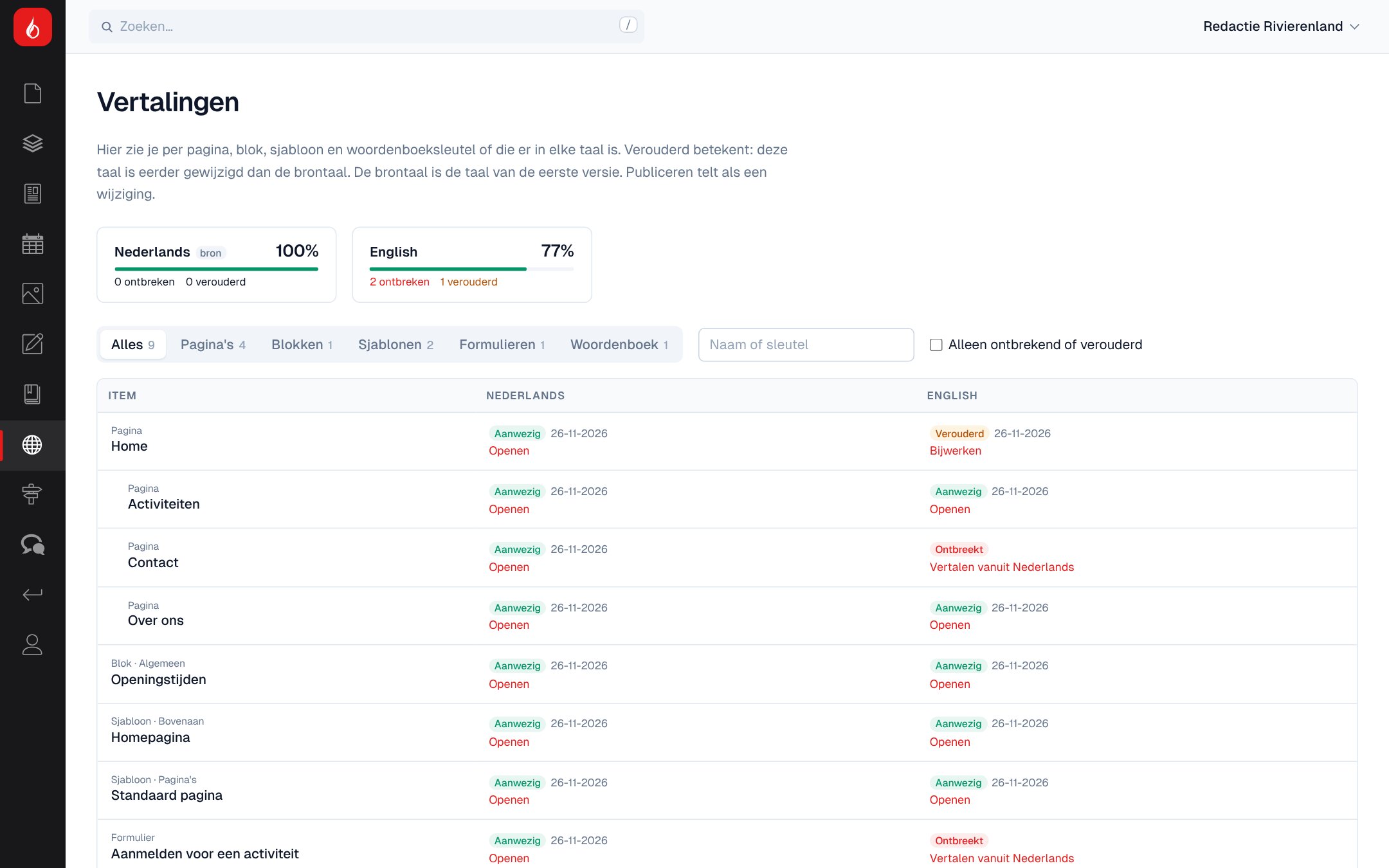
Every page and every block has a version per language. The translation overview shows, per page, block and fixed text, whether the translation is there, missing or out of date.
Forms
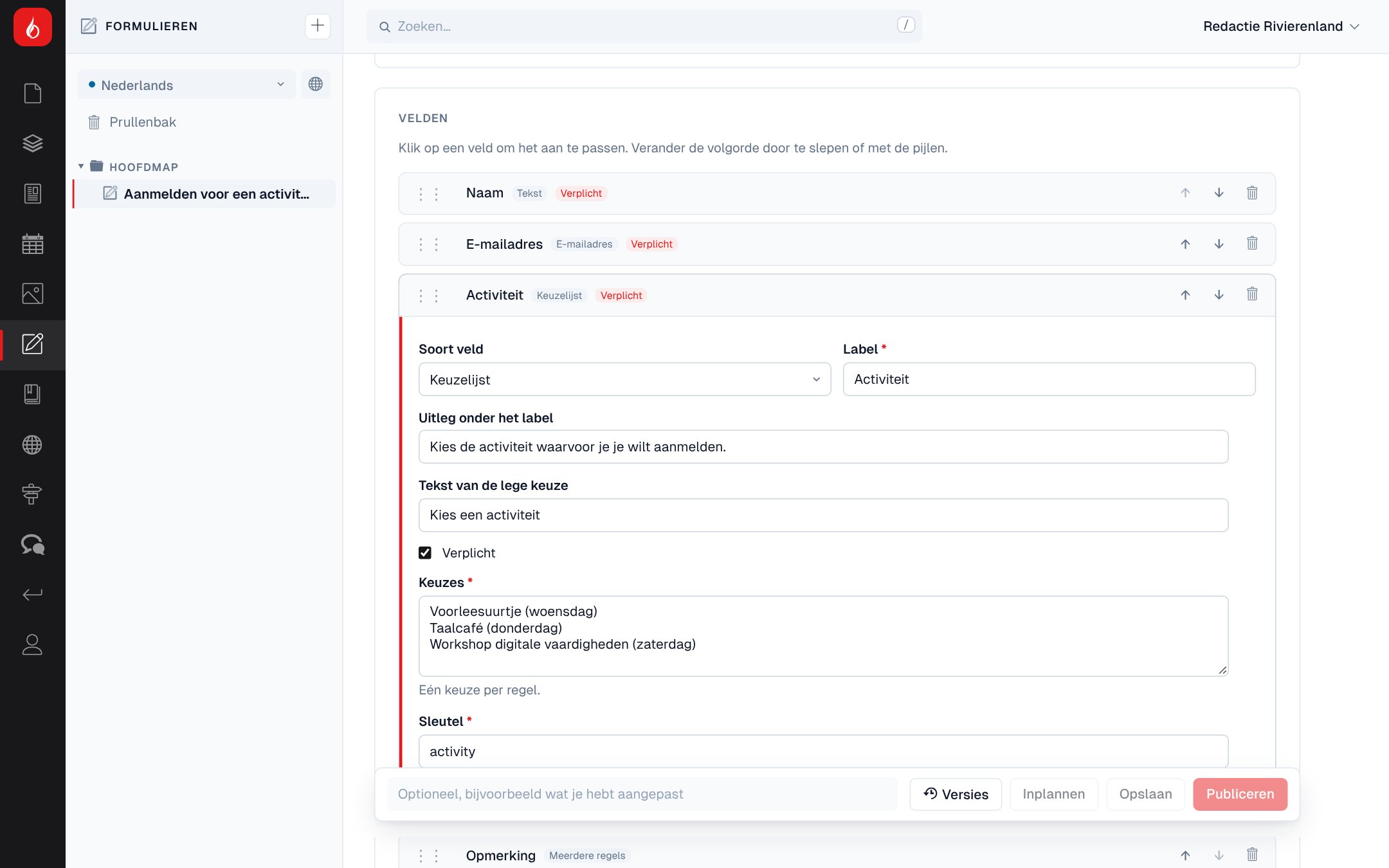
You build forms yourself: text, email, phone, date, drop-down lists, checkboxes and more. Per form you choose the message after sending, a notification by email and a confirmation to the visitor.
Files
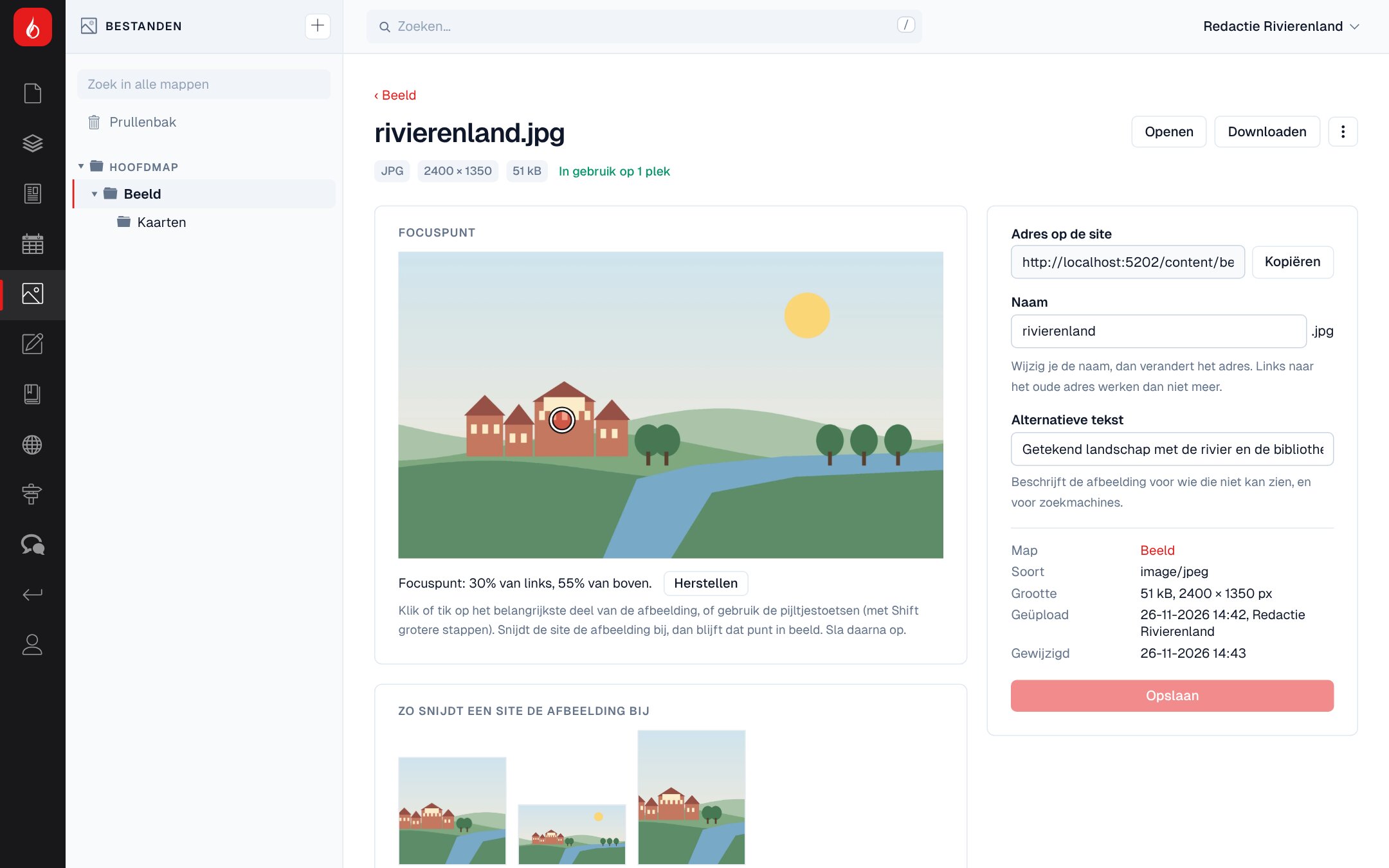
Upload by dragging. Within a minute Blazing resizes the image to at most 2560 pixels, strips the metadata and makes a webp version for modern browsers.
We are happy to show you the management environment, with your kind of pages in mind.